

Professional Water Damage Repair for Phones, Tablets & Laptops
Accidentally dropped your phone into water, spilt a drink on it, or found that it suddenly stopped working after getting wet? Water damage can affect the screen, battery, charging port, speakers and internal components. At Today Fix, we provide water damage repair, including inspection, cleaning, and repair of affected devices. Bring your phone to our outlet for professional diagnosis and repair.
Common Issues We Repair
A phone that gets wet may suddenly switch off and refuse to turn on. Water can cause short circuits or damage important internal components. Avoid repeatedly pressing the power button or connecting the charger, as this may worsen the damage. A professional inspection can identify the damage and determine the best repair option.
If your phone repeatedly restarts after exposure to water, moisture may have reached the motherboard or other internal components. Corrosion can also develop if moisture remains inside the device. A proper inspection and internal cleaning may help prevent further damage and restore normal operation.
Water inside the charging port can prevent your phone from charging properly. You may notice slow charging, intermittent charging or a complete failure to charge. Do not immediately plug in a charger after the phone gets wet. Our technicians can check the charging port and internal components for water-related damage.
Water damage can affect the display assembly and touchscreen sensors, causing delayed, inaccurate or completely unresponsive touch input. In some cases, the problem may be caused by moisture around the display connector. A technician can inspect the device to determine whether cleaning or screen replacement is required.
If your speaker suddenly sounds quiet, distorted or muffled after getting wet, moisture may have entered the speaker area. While some phones can naturally remove small amounts of water from the speaker, persistent sound problems may indicate more serious damage that requires professional inspection.
Condensation inside the camera lens can cause blurry images, foggy photos or unusual spots on your camera. This may happen when moisture enters the camera module. If the problem does not disappear after the device has been properly dried, the camera or surrounding components may need to be inspected.
Water damage can affect biometric sensors such as Face ID components or fingerprint sensors. If your phone develops biometric problems after exposure to water, the issue may involve the sensor, connector or related internal components. Professional diagnosis is recommended before replacing any parts unnecessarily.
A phone that becomes unusually hot after exposure to water may have an electrical short or a damaged internal component. Continuing to use or charge the device could increase the damage. If your phone gets hot, switch it off if possible and bring it to a handphone repair shop in Shah Alam for inspection.
Our Water Damage Repair Procedure
1. Device Inspection
Our technician checks the phone for visible water damage and tests its main functions.
2. Internal Diagnosis
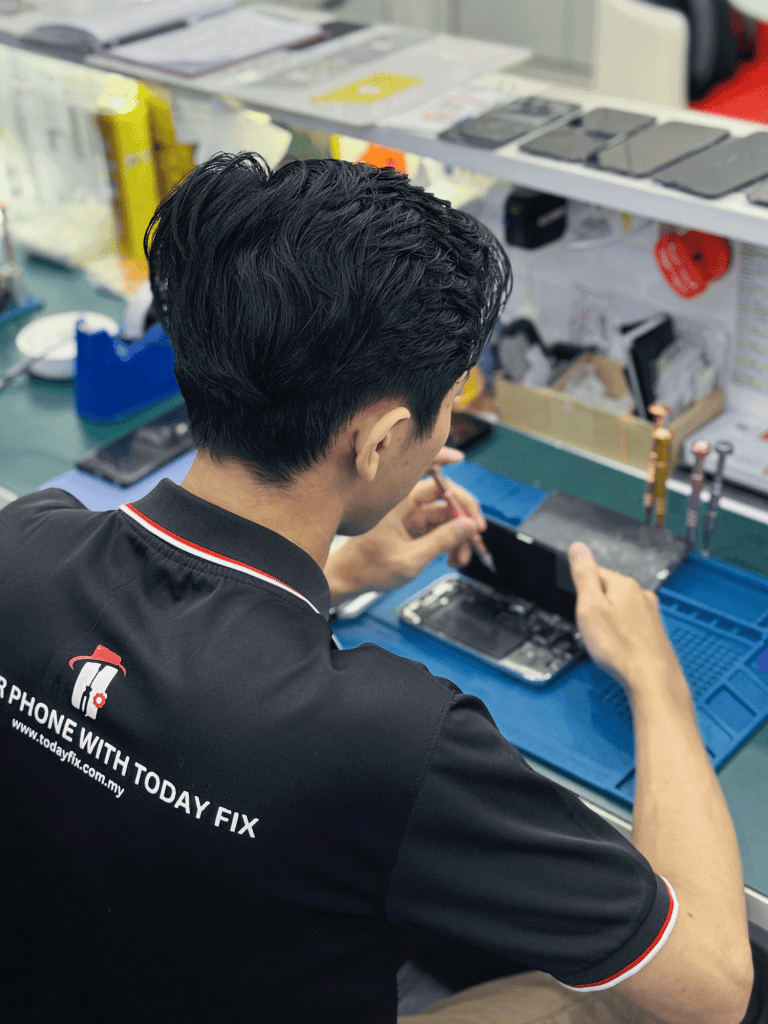
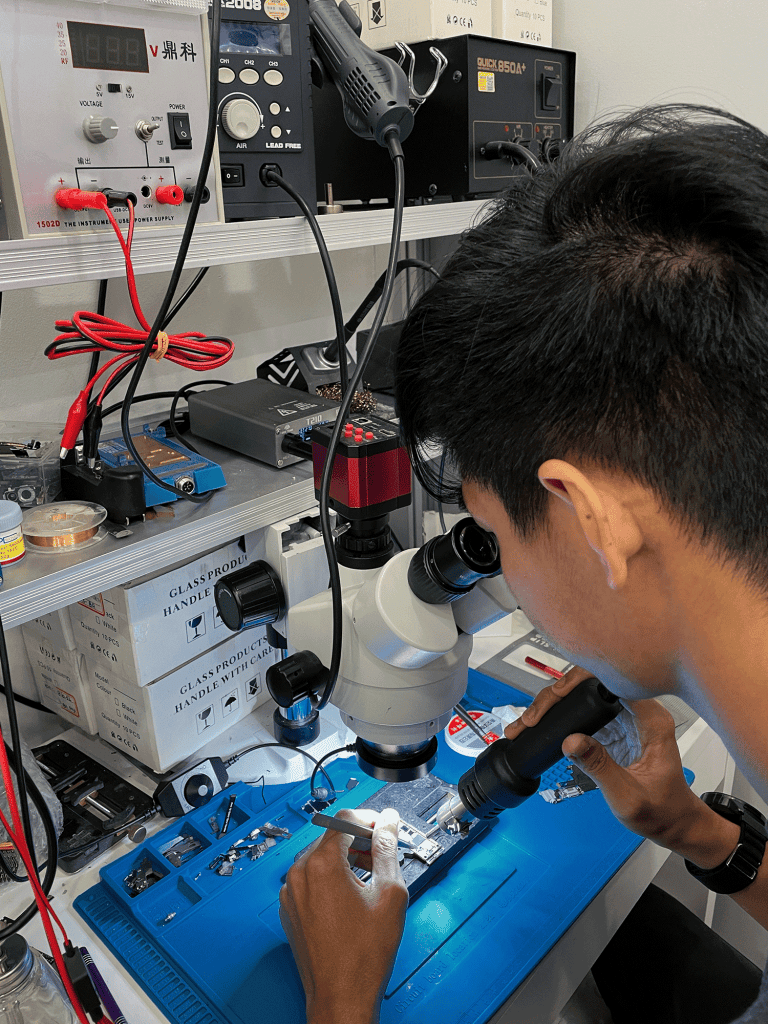
The device may be opened to inspect the motherboard, connectors, battery, charging port and other affected components.
3. Cleaning & Drying
Affected areas are cleaned to remove moisture, residue and early signs of corrosion where possible.
4. Repair & Replacement
Damaged components are repaired or replaced using suitable genuine or high-quality parts.
5. Final Testing
The phone is tested again to check functions such as charging, touchscreen, camera, speakers, microphone and connectivity.
Water Damage Repair Pricing Guide
The cost of phone water damage repair depends on the model, the severity of the damage, and the components affected. As a general guide:
• iPhone 11 / 12: RM150 – RM500+
• iPhone 13 / 14: RM180 – RM600+
• iPhone 15 / 16: RM200 – RM700+
• Samsung Galaxy S Series: RM150 – RM700+
• iPad: RM180 – RM800+
… and more!
Contact Today Fix for an accurate quotation based on your device model.

Frequently Asked Questions (FAQs)
Turn it off, unplug any cables and wipe the exterior dry. Avoid using or charging it until it has been checked.
Avoid using a hairdryer. Heat can damage internal components and push moisture further inside the phone.
Rice is not a reliable way to remove internal moisture and may leave particles inside the phone.
Signs include unexpected shutdowns, speaker problems, camera fogging, touchscreen issues and unusual heating.
Yes. Water can damage the battery and power components, potentially causing overheating or charging problems.
Yes, especially if the motherboard or storage components are affected. Back up your data if the phone is still working.
Yes, but problems may appear later due to moisture and corrosion inside the device.
Yes. Moisture can corrode internal components and connectors, potentially causing problems over time.